Create a competition
Who: Owner or Admin of the organization. Where: Organization → Competitions → + Create a competition ("New" tab).
The CreateCompetitionFlow journey has 3 steps.
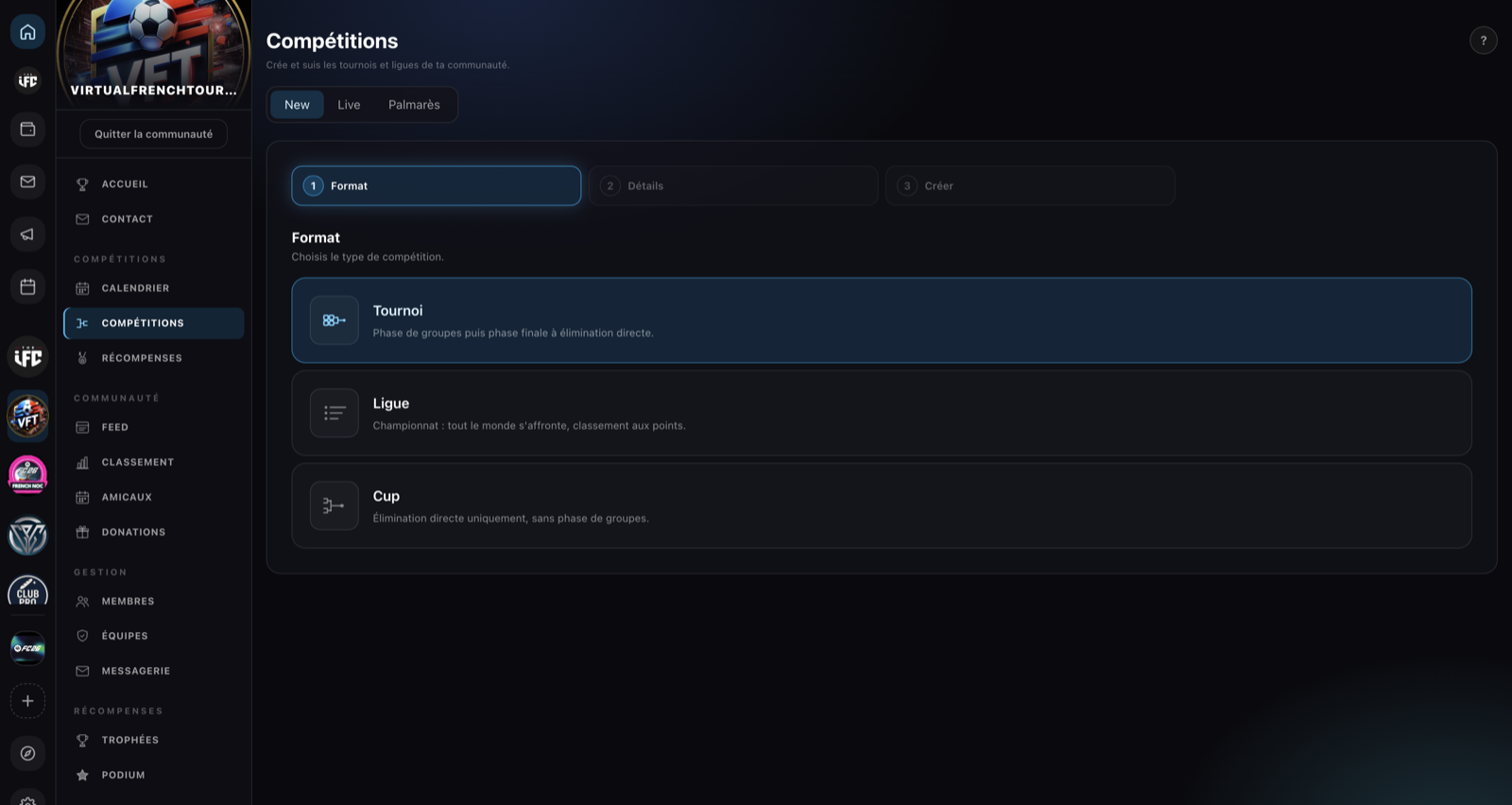
Step 1 — Format
Choose the format, grouped in two families.
Rooms
- Registration room — teams register freely, continuously, then you split into tournaments. See Registration rooms.
Tournaments
- Tournament — "Group stage then a knockout final phase."
- League — "Championship: everyone plays everyone, points-based standings."
- Cup — "Knockout only, no group stage."
Step 2 — Details
| Field | Required | Details |
|---|---|---|
| Photo | ❌ | Defaults to the organization's photo |
| Name | ✅ | Max 45 characters |
| Start date | ✅ | Date + time (converted automatically) |
| Description | ❌ | Max 255 characters |
| Entry fee (coins) | ❌ | Paid by each participant, 90% goes to the organization |
| Reward (coins) | ❌ | Paid to the winner, debited from the treasury at creation time |
| Deposit (coins) | ❌ | Held in escrow per participant, returned at the end (lost on withdrawal) |
The three economic amounts are detailed in Coin competitions.
For a registration room
Two extra fields appear: max number of teams (waitlist beyond it) and registration deadline. See Registration rooms.
Step 3 — Create
Summary (photo, name, format, date, description), then Create the competition.
On success: "'[Name]' has been created." with two buttons: Open the competition or Create another.
What's next?
On the competition page: add participants, run the draw and manage scores.